Last Updated: November 8, 2026
Quick Summary
Network cabling services for Oregon schools replace or add structured cabling, fiber backbone, and pathways so classrooms and campus buildings connect reliably to the district network. Projects typically move through site survey and design, pathway work, copper and fiber installation, termination, and testing with documentation. Settle scope, funding, procurement, and construction coordination before any vendor quotes a price.
- Cabling is a facilities purchase installed inside walls and expected to serve for many years.
- Fiber between campus buildings solves distance, interference, and future capacity limits of copper.
- Ask for certification test results and as-built records before signing off on a cabling job.
- Many districts schedule the heaviest cabling work during summer breaks to protect instructional days.
- A free site walk documents existing pathways and closets before a district commits to a scope.
Table of Contents
- Why School Network Cabling Decides What Your Classrooms Can Do
- What School Network Cabling Upgrade Work Actually Involves
- When School Fiber Optic Cabling Makes Sense Between Buildings
- School Cabling Project Planning: What District Leaders Should Settle First
- How Structured Cabling Supports Wi-Fi, Cameras, Paging, and Phones
- Keeping Students and Staff Undisturbed During Installation
- Schedule a Free Site Walk Before Your District Commits to a Cabling Scope
- Frequently Asked Questions
Why School Network Cabling Decides What Your Classrooms Can Do
Network cabling services for Oregon schools are the physical foundation every classroom device depends on, and when that foundation is weak, no amount of new hardware fixes it. A district can buy the best laptops and interactive displays available, but if the cable plant behind the walls cannot carry the traffic, teachers and students feel it every morning.
At Advanced Commercial Communications, we walk into buildings where the wireless access points are new but the connection still stumbles. The problem is almost never the access point. It is the decades-old copper, the daisy-chained runs, or the closet nobody has reorganized since the last remodel.
Here is the part most district leaders miss: the network is not an IT purchase, it is a facilities purchase. Cabling is installed inside walls and ceilings and is often expected to remain in service for many years, outlasting several generations of devices. Get it right once and it can serve every initiative that follows.
That is why the Federal Communications Commission’s guidance on broadband in schools matters here. Bandwidth delivered to the building means nothing if the internal path cannot distribute it to the classroom.
Below, we break down what a school network cabling upgrade actually involves, how to plan it around the school calendar, and what district leaders should settle before anyone quotes a scope.
What School Network Cabling Upgrade Work Actually Involves
A school network cabling upgrade is the process of replacing or adding structured cabling, fiber backbone, and supporting pathways so that classrooms, offices, and campus buildings connect reliably to the district network.
In general, cabling projects move through phases such as these:
- Site survey and design. Existing pathways, closets, and building constraints are reviewed before equipment is ordered.
- Pathway and raceway work. Conduit, tray, and penetrations are planned so cable has a protected route.
- Copper and fiber installation. Horizontal runs to classrooms and backbone runs between buildings.
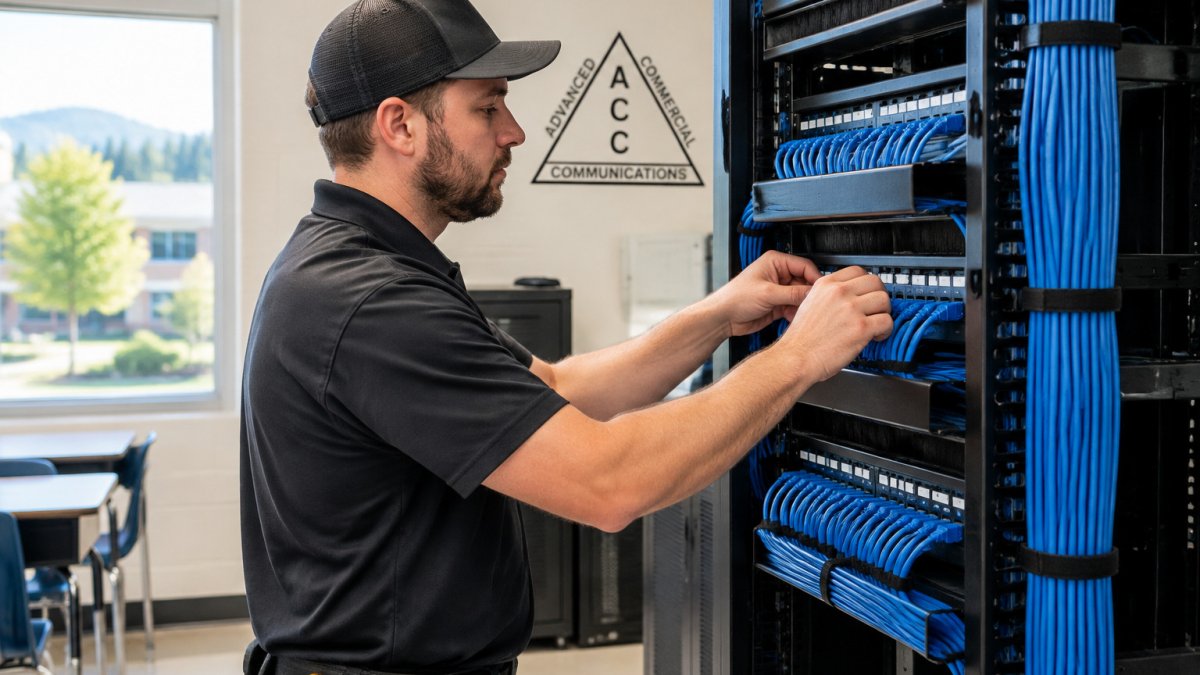
- Termination and cable management. Patch panels, organized racks, and consistent labeling.
- Testing and documentation. Test results and as-built records are commonly provided at closeout.
The testing and documentation step is where low bids sometimes cut corners. Ask for the test results before you sign off. A cabling job without certification records is a job you cannot troubleshoot later.
When School Fiber Optic Cabling Makes Sense Between Buildings
School fiber optic cabling makes sense when data has to travel between buildings on a campus, when distances exceed what copper handles well, or when electrical interference makes copper unreliable. Fiber carries more data over longer runs and is not affected by the electrical noise that can degrade copper.
Most K-12 campuses in Oregon are a collection of separate buildings: the main classroom wing, a gym, a cafeteria, a portable cluster, a district office. Connecting those buildings with copper is where a lot of legacy networks quietly fail. Distance and interference stack up, and the link between buildings becomes the weakest point on the network.
Fiber between buildings solves three problems at once:
- Distance. Runs between buildings often exceed the practical limit for copper Ethernet.
- Interference. Fiber is immune to the electromagnetic noise that affects copper near electrical equipment.
- Future capacity. Fiber backbone supports higher bandwidth without re-cabling the campus later.
Districts planning a fiber optics benefits for schools review may find that the backbone is a key part of the project. It is the piece that unlocks campus-wide Wi-Fi, camera coverage, and paging in every building.
School Cabling Project Planning: What District Leaders Should Settle First
School cabling project planning should settle scope, funding, procurement path, and construction coordination before any vendor quotes a price. Districts that skip these steps end up comparing bids that describe different projects, and the mismatch usually surfaces after the award, when change orders start.
Here is what we ask district leaders to lock down first:
| Decision | What to Settle | Why It Matters |
|---|---|---|
| Scope | Which buildings, rooms, and systems | Bids only compare if scope matches |
| Procurement | Public bidding and board approval path | Determines timeline and vendor eligibility |
| Funding | Capital, bond, or E-rate path | Affects what can be bundled |
| Construction coordination | Interaction with other trades | Prevents rework and delays |
| Calendar | Work windows around instruction | Protects instructional days |
| Deliverables | Test results, as-builts, warranty | Defines what “done” means |
Procurement is a step districts can underestimate. Public purchasing rules often require a formal solicitation, such as an Invitation to Bid, a Request for Proposals, or a cooperative purchasing contract the district is eligible to use.
Funding shapes what can be bundled. Cabling may be funded through a capital project, a bond measure, or other sources. Some federal programs have their own eligibility rules, so confirm with the district’s funding advisors which portions of a project qualify before assuming coverage.
Construction coordination is where cabling projects quietly fail. Cabling is rarely the only trade in a school building. Ceiling grid work, HVAC, fire alarm, and electrical all share the same pathways, and if the cabling scope is not sequenced against those trades, cable gets pulled into a ceiling that is about to be opened again.
Codes and permits deserve a named owner. Electrical, fire-stopping, and accessibility requirements can apply to cabling work, and the local authority having jurisdiction decides what inspections are required. Confirm in writing who is pulling permits, who is responsible for fire-stopping penetrations, and what inspection sign-offs the district needs before ceilings close.
District leaders budgeting for related work may find useful context in our guide to budgeting school security camera upgrades, since cameras and cabling are often planned together.
How Structured Cabling Supports Wi-Fi, Cameras, Paging, and Phones
Structured cabling is a standardized, organized cabling system that supports multiple technologies over a common physical infrastructure. In a school, that means the same cabling plant carries data, voice, cameras, paging, and wireless access points instead of each system having its own ad hoc wiring.
This is the argument for doing cabling as one coordinated project rather than five separate ones. Every system in a modern school rides on the same backbone:
- Wi-Fi. Wireless access points need a wired connection to the network. Weak cabling means weak Wi-Fi, no matter how good the access point.
- Security cameras. IP cameras require power and data, and camera coverage depends on cabling reaching the right locations.
- Paging and intercom. Classroom paging and mass notification systems depend on reliable cabling to every room.
- Phones. Voice over IP phone systems run on the same structured cabling as data.
A district that plans cabling once, with all systems in mind, avoids tearing into walls again for each new technology. Readers thinking about how the cabling underpins school systems will want the related guidance on how to secure a school network.
Keeping Students and Staff Undisturbed During Installation
Keeping students and staff undisturbed during installation means scheduling work around the instructional calendar, isolating work areas, and coordinating with building administrators daily. A cabling project should not be something a school endures. It should be something the school barely notices.
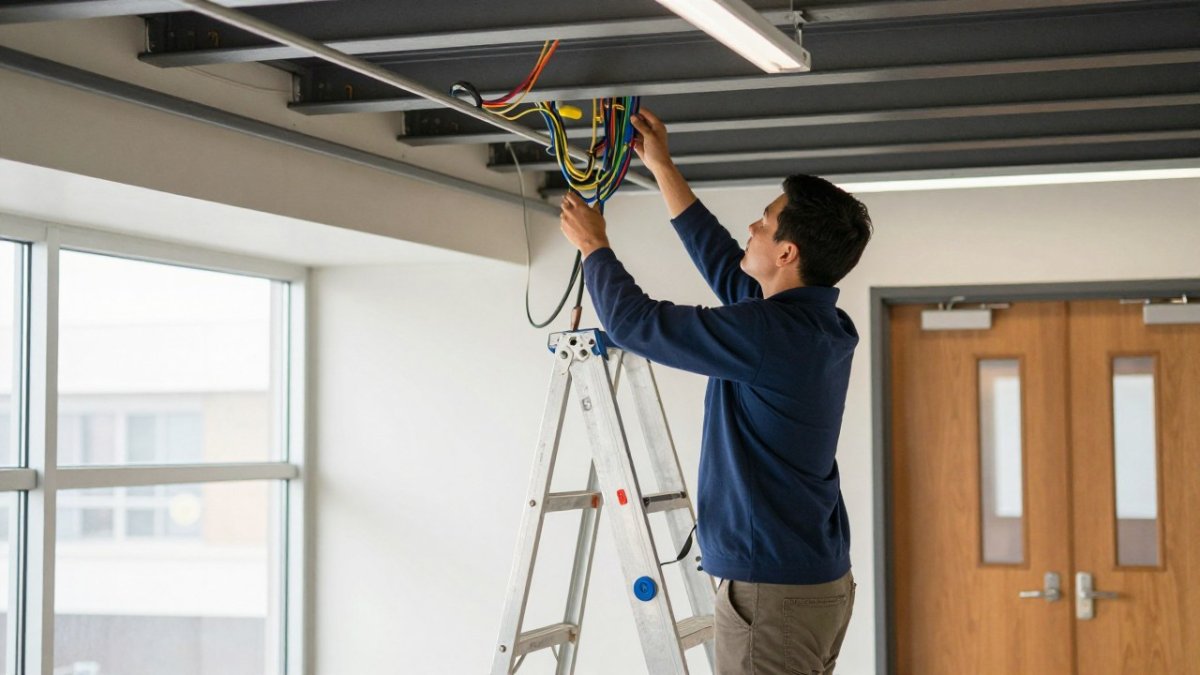
The single biggest scheduling decision is when work happens. Many districts prefer summer breaks for the heaviest work, with smaller phases during breaks and after-hours during the school year. We plan around the calendar the district gives us rather than the other way around.
People and access are as important as schedule. Districts commonly require background checks for anyone working in occupied school buildings, and vendor personnel may need badges, sign-in procedures, and escort rules.
Separate the work zone from the learning zone. The most effective protection is physical separation: barricades, cones, and signage around active work areas, and a rule that no cable is pulled through an occupied hallway during passing periods or lunch.
Communication prevents most complaints. A short weekly update to the principal, facilities director, and IT lead, plus a posted schedule of which rooms are affected, does more to protect the school day than any single control measure.
Watch out: the most common disruption is uncoordinated work in occupied ceilings and hallways during instructional hours. Confirm with the district exactly which areas are off-limits and when, and put it in writing before mobilization.
Schedule a Free Site Walk Before Your District Commits to a Cabling Scope
A site walk is the step that turns a general idea into a real scope. Before a district commits to a cabling project, someone needs to walk the buildings, look at the existing pathways and closets, and document what is actually there. That is what a free site walk from Advanced Commercial Communications provides.
We are a veteran-owned, Oregon-based company, and we work with schools and organizations across the state on structured cabling, fiber optics, network infrastructure, and the systems that depend on them. Our team provides free site walks and consultations so the scope reflects the buildings, the budget, and the calendar.
Before you commit, it also helps to understand what to look for in a low-voltage partner. Our guidance on hiring reliable Oregon network contractors covers the questions worth asking.
Our advice is simple: do not sign a cabling scope until someone has walked the buildings and put the findings in writing. That single step can prevent many of the surprises that derail school projects.
Oregon school districts face a real challenge: aging cabling that was never designed for the devices now in every classroom, and a calendar that leaves little room for disruption. Advanced Commercial Communications can help you evaluate what you have and plan what comes next, with free site walks, structured cabling and fiber design, and support for the cameras, paging, and phones that ride on the same infrastructure. Get started with Advanced Commercial Communications and request a site walk to scope your district’s cabling needs.
Frequently Asked Questions
What does network cabling for a school include?
A school cabling scope usually covers horizontal data cabling from telecom rooms to classrooms, fiber-optic backbone links between buildings, wireless access point drops, voice cabling for phones and paging, and the pathways and racks that hold it all. It also includes testing and labeling so the district has documentation for future work. Many districts bundle security camera and access control cabling into the same project to avoid opening ceilings twice.
How can a school tell if its network cabling needs an upgrade?
Repeated slowdowns at predictable times, access points that drop when a classroom fills, and devices that work in one wing but not another are common signals. Older cabling that was installed for phones or early Wi-Fi may not carry current bandwidth demands. A site survey and cable testing can show whether the problem sits in the cabling, the network electronics, or wireless coverage before a district commits to a full replacement.
What is the difference between fiber optic and copper cabling for schools?
Copper cabling, typically Ethernet on twisted pair, connects devices inside a building and powers phones and access points. Fiber optic cabling carries data as light over much longer distances and is the usual choice for links between buildings or between a main distribution frame and outlying telecom rooms. Most districts use both: fiber for the backbone and copper for the run to the classroom.
What should school administrators ask a network cabling contractor?
Ask how the contractor handles site surveys, whether they provide testing results and as-built documentation at closeout, and what warranty and support look like after the crew leaves. Ask how they will schedule around the school calendar and whether they have worked with district procurement requirements. A veteran-owned, Oregon-based firm like Advanced Commercial Communications offers a free site walk so the scope is built on the actual buildings, not a generic estimate.
