Last Updated: October 25, 2026
Quick Summary
To secure school network infrastructure, work in a fixed order: inventory every device and connection, tighten accounts and permissions, harden the firewall, segment traffic, control Wi-Fi access, protect data and devices, then plan for recovery. A firewall alone cannot secure school network environments, since layered controls must work together.
- Inventory every device, switch, access point, camera and server before writing firewall rules.
- Give each student, staff member and guest a unique account with role-based permissions.
- Split student, staff, guest and building systems traffic into separate network segments.
- Test backups yearly and keep at least one copy isolated from the production network.
- Track measures such as backup restore success, patch coverage and multi-factor authentication adoption.
Table of Contents
- Why School Networks Need a Security Plan, Not Just a Firewall
- School Network Security Best Practices: A Prioritized Starting Point
- What a School Network Firewall Should Actually Do
- Network Segmentation for Schools: Separating What Shouldn’t Mix
- School Wi-Fi Security: Managing Student, Staff, and Guest Access
- Protecting Student Data, Devices, and Everyday Online Safety
- Incident Response, Backups, and Recovery Planning
- Planning a School Network Security Review With ACC
- Frequently Asked Questions
Why School Networks Need a Security Plan, Not Just a Firewall
A firewall alone cannot secure a school network. Modern K-12 networks carry student devices, staff laptops, guest logins, cameras, and cloud apps, so protection has to come from layered controls working together.
Many districts treat network security as a box to buy and plug in. It is not.
This guide breaks down how to secure school networks in practical terms.
School Network Security Best Practices: A Prioritized Starting Point
School network security best practices work best in a fixed order. Fix visibility and accounts first, because every other control depends on knowing what you have and who can reach it.
Here is the sequence we recommend:
- Inventory devices and connections. You cannot protect what you cannot see.
- Tighten accounts and permissions. Most incidents start with a login.
- Harden the firewall. Set rules that match your actual traffic.
- Segment the network. Keep student, staff, guest, and device traffic apart.
- Control Wi-Fi access. Separate the networks and manage who joins.
- Protect data and devices. Filter content and lock down endpoints.
- Plan for recovery. Backups and an incident response plan.
That order matters. A school that buys a firewall before it knows its devices is guessing at the rules.
Start With What You Have: Inventory and Visibility
Inventory is the foundation of any secure school network. List every device, switch, access point, camera, and server, plus who owns it and where it connects.
Teams often skip this step, jump to new tools, then discover half their devices were never documented. Firewall rules then get written for a network that does not match reality.
Start with a simple list:
- Network gear: switches, routers, access points, firewalls
- Endpoints: staff laptops, student tablets, lab computers, printers
- Building systems: cameras, access control, paging, HVAC controllers
Label each item by owner and criticality. That list becomes the map for everything else.
Identity, Accounts, and Permissions
Identity management is the control that stops the most attacks. Every student, staff member, and guest should have a unique account with only the access their role requires.
Shared logins are the weak point. When five people use one account, you lose the ability to trace who did what and cannot revoke access cleanly when someone leaves.
A few rules that pay off:
- One account per person. No shared staff logins.
- Role-based permissions. Students, teachers, and administrators get different rights.
- Prompt deactivation. Disable accounts the day someone leaves.
The article recommends tackling these steps in a fixed order, because each control depends on the ones before it.
| Step | What to do |
|---|---|
| 1 | Inventory devices and connections |
| 2 | Tighten accounts and permissions |
| 3 | Harden the firewall |
| 4 | Segment the network |
| 5 | Control Wi-Fi access |
| 6 | Protect data and devices |
| 7 | Plan for recovery |
What a School Network Firewall Should Actually Do
A school network firewall should control traffic between your network and the internet, block known threats, and log what happens.
Traffic logging and retention. Logs are only useful if retained long enough to investigate an incident discovered weeks after it started.
Remote access control. Virtual private network (VPN) connections for staff working off site are a frequent entry point.
Set rules based on your inventory, not defaults, and review them each term.
A firewall with default rules and no one reviewing its logs provides limited protection. The configuration and the review process matter as much as the appliance.
When evaluating a firewall purchase, ask three questions: Does it integrate with your identity directory so filtering and access rules follow users? Can it export logs to a system you control? Does it support the segmentation you plan to build, or will you need a separate device to enforce zones? Those answers shape total cost more than the sticker price.
Network Segmentation for Schools: Separating What Shouldn’t Mix
Network segmentation for schools means splitting one flat network into smaller zones. Student devices, staff systems, guest Wi-Fi, and building technology each get their own segment.
If a student tablet is compromised, segmentation keeps that device from reaching administrative systems or camera feeds, so the damage stays contained.
A practical split looks like this:
- Staff segment: administrative systems, email, student data
- Student segment: learning devices and classroom tools
- Guest segment: visitor Wi-Fi with internet only
Each segment gets its own firewall rules, and traffic between segments is limited to what is actually needed. A zero trust mindset helps here: verify every request rather than trusting anything inside the network by default (Zero Trust Architecture – Glossary).
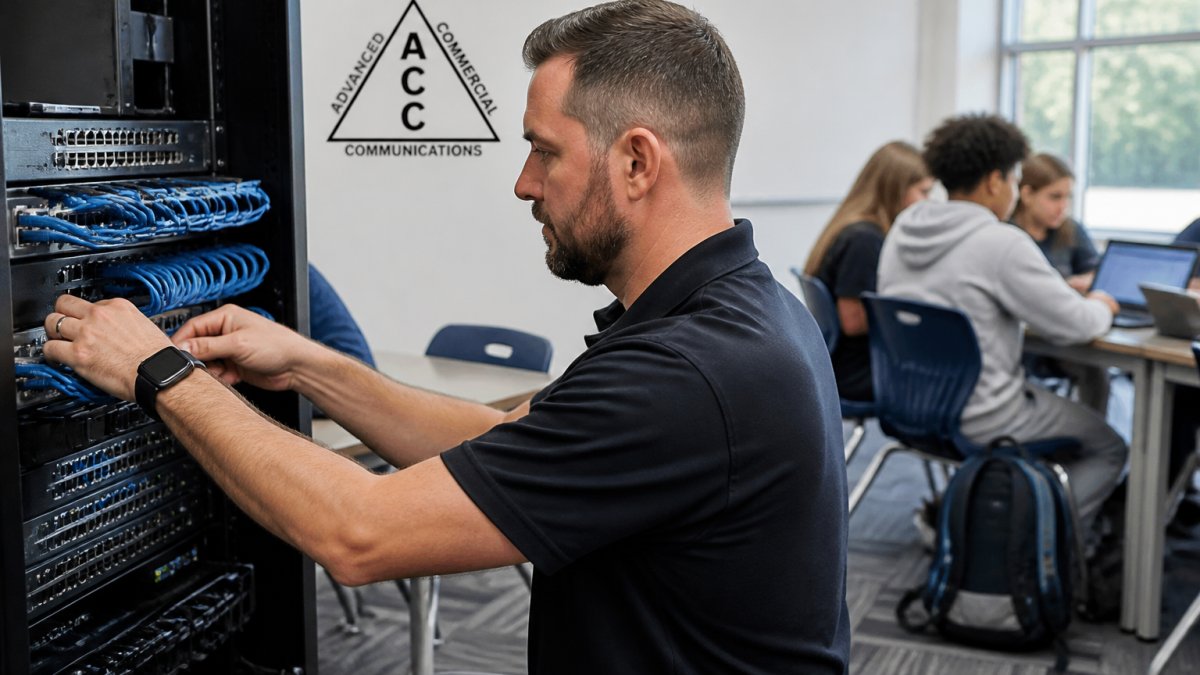
Segmentation takes planning and depends on network infrastructure that can support it, which is why we often review cabling and switching before designing zones.
School Wi-Fi Security: Managing Student, Staff, and Guest Access
School Wi-Fi security depends on separating users and controlling how each group connects. Student, staff, and guest traffic should never share one open network.
A school-wide Wi-Fi setup that works well usually includes:
- Separate SSIDs for staff, students, and guests
- Enterprise authentication for staff and student accounts
- Captive portal or sponsored access for guests
Visitors should get internet access only, with no path to internal systems.
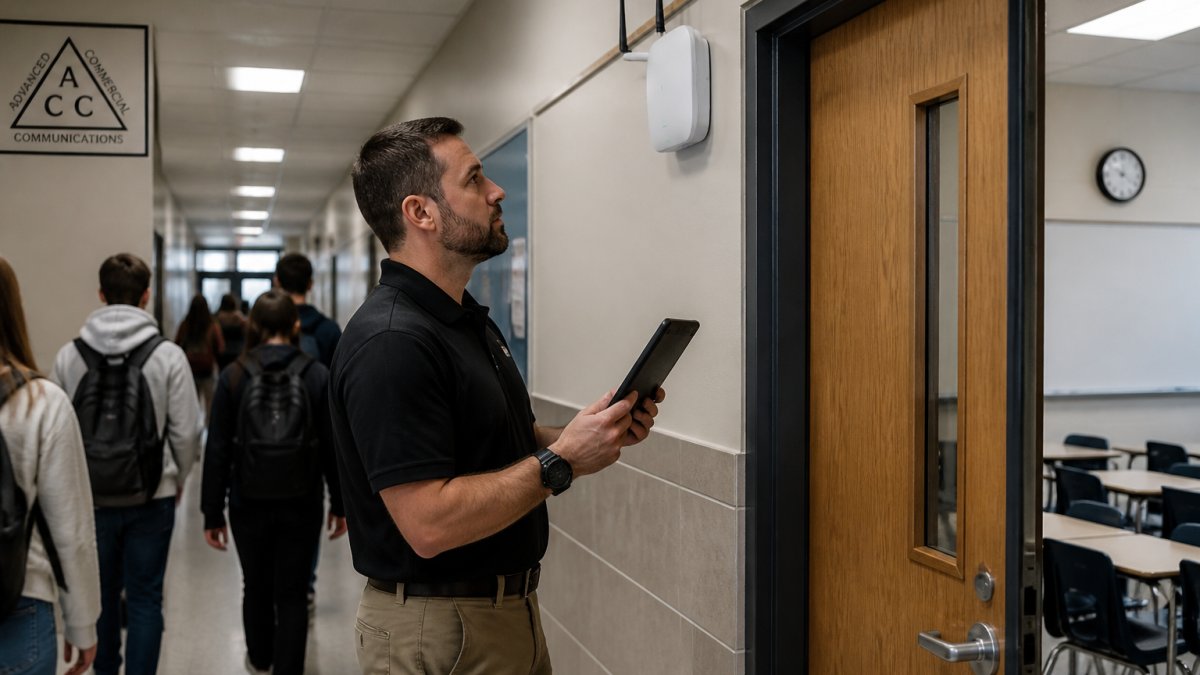
Wireless design matters too. Weak coverage pushes people toward workarounds like personal hotspots. Our team designs and manages wireless networks built around coverage, capacity, and access control.
Protecting Student Data, Devices, and Everyday Online Safety
Student data protection starts with knowing where sensitive information lives and limiting who can reach it.
Content and web filtering handle the online safety side, blocking harmful content, inappropriate sites, and known malicious domains.
Endpoint security covers the devices themselves:
- Device management for laptops and tablets
- Automatic updates and patching
- Disk encryption on staff devices
Watch out: a device management system that nobody monitors gives false comfort. Assign someone to review alerts and act on them.
For districts planning camera and device upgrades alongside network work, our guide to budgeting school security camera upgrades covers the planning side.
Incident Response, Backups, and Recovery Planning
Incident response is the plan for what happens when something goes wrong; backups and recovery are how you get back to normal. Most districts have one and not the other. This is where schools tend to be thinnest, and where the difference between a bad week and a lost semester gets decided.
A workable incident response plan answers four questions:
- Who do we call first? Name roles, not just a department. Include an after-hours path, because ransomware does not wait for the help desk to open.
- How do we contain it? Which systems get isolated, and who has the authority to make that call? Someone needs pre-authorized permission to disconnect a segment or shut down a server without waiting for a committee.
- How do we communicate? Staff, families, and leadership need a script. Decide in advance who speaks to parents and what they are told, so the first message is not improvised during an outage.
Backups That Actually Restore
Backups need testing. A backup nobody has restored is a guess. Run a restore drill each year and fix what breaks, but make the drill specific: restoring a single file proves little. A useful test restores a full system to a clean environment and confirms it runs, not just that the data copied.
Three backup practices matter most for schools:
- Isolation. At least one backup copy should be isolated from the production network, ideally offline or immutable, so that ransomware that encrypts your servers cannot also encrypt the backups. A backup that is reachable from a compromised account is not a backup.
- Segregation of credentials. The account used to run backups should not be the same account used for daily administration. If an attacker compromises an admin account, they should not automatically gain the ability to delete backup history.
- Documented recovery time. Know, in advance, how long each critical system takes to restore. That number drives decisions during an incident and shapes what leadership promises families.
Keeping Instruction Running During an Outage
Business continuity for a school is not the same as for an office. The goal is to keep instruction moving, not to keep every system online. A practical plan identifies which functions can run on paper or offline for a day, which staff need connectivity first, and how devices will be reconnected safely. Reconnecting everything at once after a compromise can reintroduce the problem, so include a staged return.
Measuring Whether It Works
This is where security monitoring pays off. Logs from the firewall, servers, and access systems tell you what happened and help you show measurable outcomes to leadership and the board. Without records, you cannot prove a control worked. A small set of measures is enough to track progress:
- Backup restore success rate. What share of tested restores completed without manual repair?
- Time to restore critical systems. Is it trending down as the plan matures?
- Incident response time. How long from detection to containment?
These measures do not require a large security team, just someone assigned to collect them and a regular review with leadership. That review is also the moment to update the incident response plan, because a plan written once and filed away will not match the network a year later.
Recovery planning is not a document. It is a tested sequence, an isolated backup, and a short list of measures that show whether the plan still works.
Planning a School Network Security Review With ACC
A security review turns this list into a plan for your buildings. It looks at what you have, where the gaps are, and what to fix first within your budget.
At Advanced Commercial Communications, we start with a free site walk, looking at cabling, switching, wireless coverage, camera placement, and how your network is segmented today.
For districts weighing funding options, our E-Rate contracting support helps connect network security projects to the programs that can help pay for them. And if fiber is part of the picture, our overview of fiber optics for schools explains what it changes for campus connectivity.
You do not need to fix everything at once. You need the right order.
Frequently Asked Questions
How can a school secure its network without replacing everything at once?
Start with visibility and the highest-risk gaps. Confirm what devices and accounts exist, lock down staff and student permissions, separate guest and student traffic from administrative systems, and make sure the firewall is actually filtering and logging traffic. From there, plan replacements around lifecycle rather than panic. A site walk with a low-voltage and network infrastructure provider can map existing cabling, wireless coverage, and equipment age so upgrades happen in a sensible order instead of all at once.
What role does a school network firewall play in day-to-day security?
A school network firewall is the control point between your internal network and the internet. In practice it should filter harmful and inappropriate content, log traffic so problems can be traced, and support rules that differ by user group, so a student device is not treated like an administrative workstation. It also supports remote access through a VPN for staff working off site. A firewall only helps if rules are reviewed and logs are actually monitored, so build that review into your routine.
How should schools secure guest Wi-Fi?
Guest Wi-Fi should be a separate network from anything holding student records, staff email, camera footage, or building controls. Give guests their own sign-in, limit how long access lasts, and block guest traffic from reaching internal devices. Pair that with school Wi-Fi security basics: updated wireless equipment, strong authentication for staff, and a clear policy on which devices may join. If visitors need access to shared resources, provide it through a specific approved path rather than opening the whole network.
How often should a school review its network security?
A practical rhythm is a short internal check each term and a fuller review annually, or whenever something major changes, such as a new building, a device rollout, or a staffing turnover in IT. The annual review should cover firewall rules, user permissions, guest access, wireless coverage and equipment age, backup testing, and whether incident response contacts are current. Documenting the review makes it easier to show progress and to justify budget requests for network upgrades.
If your district is planning upgrades or wondering whether your current network can support real segmentation and access control, start with a conversation. Advanced Commercial Communications offers free site walks and consultations, veteran-owned and based in Oregon, with support for structured cabling, fiber, wireless, security cameras, and managed IT. Get started with Advanced Commercial Communications and request a site walk to see where your school network stands.
