Last Updated: November 2, 2026
Quick Summary
Cloud video surveillance stores and manages warehouse camera footage over the internet, giving managers remote access without managing on-site recording hardware. Storage and bandwidth needs depend on camera count, retention period, resolution, and whether cameras record continuously or on motion. A hybrid design can suit warehouses with limited upload capacity.
- Size storage from camera count, retention period, resolution, and recording mode.
- Plan bandwidth from sustained upload speed, since business internet upload is often far lower than download.
- Motion-only recording can cut storage needs dramatically compared with continuous recording.
- Compare providers on multi-year total cost, not first-year monthly rates.
- Walk the facility across multiple shifts to catch glare, obstruction, and traffic patterns.
Table of Contents
- Why Warehouses Are Rethinking Their Camera Systems
- Local vs. Cloud Video Surveillance: What Changes for Your Operation
- Cloud Video Storage for Security Cameras: Retention, Bandwidth, and Cost
- Warehouse Camera System Features That Matter Most
- Coverage Planning and Camera Placement in Large Facilities
- Planning Multi-Site Management and Network Requirements
- Evaluating Cloud Surveillance Providers and Support Models
- Your Next Step: Reviewing Your Warehouse Camera Coverage
- Frequently Asked Questions
Why Warehouses Are Rethinking Their Camera Systems
Warehouse camera systems have traditionally been installed, recorded locally, and rarely reviewed unless something went wrong. That model is changing. Many operators now want remote visibility, footage available without managing on-site hardware, and coverage that expands as operations grow.
For operations managers, the question is rarely whether cameras help. It is whether the current setup still fits how the building is used.
Local vs. Cloud Video Surveillance: What Changes for Your Operation
A local system records footage to a network video recorder (NVR) or similar device inside the building.
The practical differences matter more than the labels. Cloud systems simplify remote viewing and reduce on-site hardware, but they depend on internet connectivity and ongoing service agreements.
Neither approach is automatically better. The right choice depends on how many sites you run, how often people need remote access, and how much you want to rely on your internet connection.
Cloud Video Storage for Security Cameras: Retention, Bandwidth, and Cost
Storage decisions drive most of the long-term cost of a cloud system, so review them before ordering hardware. Three factors determine how much you need: camera count, retention period, and resolution and frame rate. Higher resolution, higher frame rates, and longer retention all increase both storage requirements and the upload bandwidth needed to move footage off site.
The three levers that set your storage bill
- Camera count. Each camera adds a stream. Doubling camera count roughly doubles storage and bandwidth demand at the same settings.
- Retention period. Keeping 30 days of footage takes roughly three times the storage of keeping 10 days, assuming the same recording mode.
- Resolution and frame rate. A 4K camera at 15 frames per second (fps) produces far more data than a 1080p camera at 10 fps. Many warehouses do not need every camera at the highest setting.
A worked example (hypothetical)
The following is an illustrative scenario, not a quote or a guarantee.
Assume a warehouse with 24 cameras recording continuously at 1080p and 15 fps. For illustration, assume a single 1080p stream at 15 fps uses about 3 megabits per second (Mbps) of upload bandwidth. Actual bitrates vary with scene complexity and compression settings, so confirm figures with your camera model’s specifications. Using 3 Mbps as the planning assumption:
- 24 cameras x 3 Mbps = about 72 Mbps of sustained upload if every camera streams to the cloud continuously.
- Over 24 hours, that is roughly 72 Mbps x 86,400 seconds, or about 777,600 megabits, which converts to roughly 97 gigabytes (GB) per day.
- At 30 days of retention, that is roughly 2.9 terabytes (TB) of cloud storage.
Now change one variable. If the same 24 cameras record only on motion and average 20 percent active time, daily storage drops to roughly 19 GB and 30-day retention to roughly 580 GB. That fivefold difference from a single settings change is why recording mode matters as much as camera count.
Ask your provider to run this calculation with your actual camera models, scene types, and retention policy. A provider that cannot show you the math in writing is asking you to buy blind.
Bandwidth is the constraint most buyers miss
Every camera streaming to the cloud consumes upload capacity on your internet connection. Most business internet plans are asymmetric, meaning upload speed is a fraction of download speed.
Before committing to a plan, ask three questions:
- What happens when upload bandwidth is saturated? Does the system buffer locally and sync later, or drop footage?
- Can the platform record locally as a fallback and push only selected footage to the cloud?
- Does the provider monitor bandwidth and alert you before problems appear?
A hybrid design, where cameras record to a local network video recorder (NVR) and only flagged or summary footage goes to the cloud, often fits warehouses with limited upload capacity better than a fully cloud-first design.
How pricing models differ
Cloud video providers structure fees in different ways. Common patterns include per-camera monthly fees, storage-tier pricing based on total retained gigabytes, per-site licensing, and add-on charges for features such as analytics or extended retention.
When you request that quote, ask for a multi-year view that includes:
- Recurring subscription fees across the contract term
- Any one-time onboarding, configuration, or migration charges
- Camera and installation costs, if hardware is included
Comparing first-year price alone hides the largest cost in most cloud deployments: the recurring subscription. A plan that looks inexpensive in month one can cost more over five years than a higher-tier plan with better retention and support.
Size storage from camera count, retention, resolution, and recording mode. Size bandwidth from sustained upload, not peak download. Compare providers on multi-year total cost, not headline monthly rates.
The table below summarises the main storage and bandwidth figures from the worked example, so you can see how each variable changes your needs.
| Scenario | Daily storage | 30-day storage |
|---|---|---|
| 24 cameras, continuous 1080p at 15 fps | About 97 GB | About 2.9 TB |
| Same cameras, motion-only recording (20% active) | About 19 GB | About 580 GB |
| Sustained upload if all 24 cameras stream | About 72 Mbps | Hypothetical planning figure |
Warehouse Camera System Features That Matter Most
Warehouse environments place specific demands on a camera system. Cameras must handle low light in storage aisles, glare from dock doors, and fast movement near forklifts.
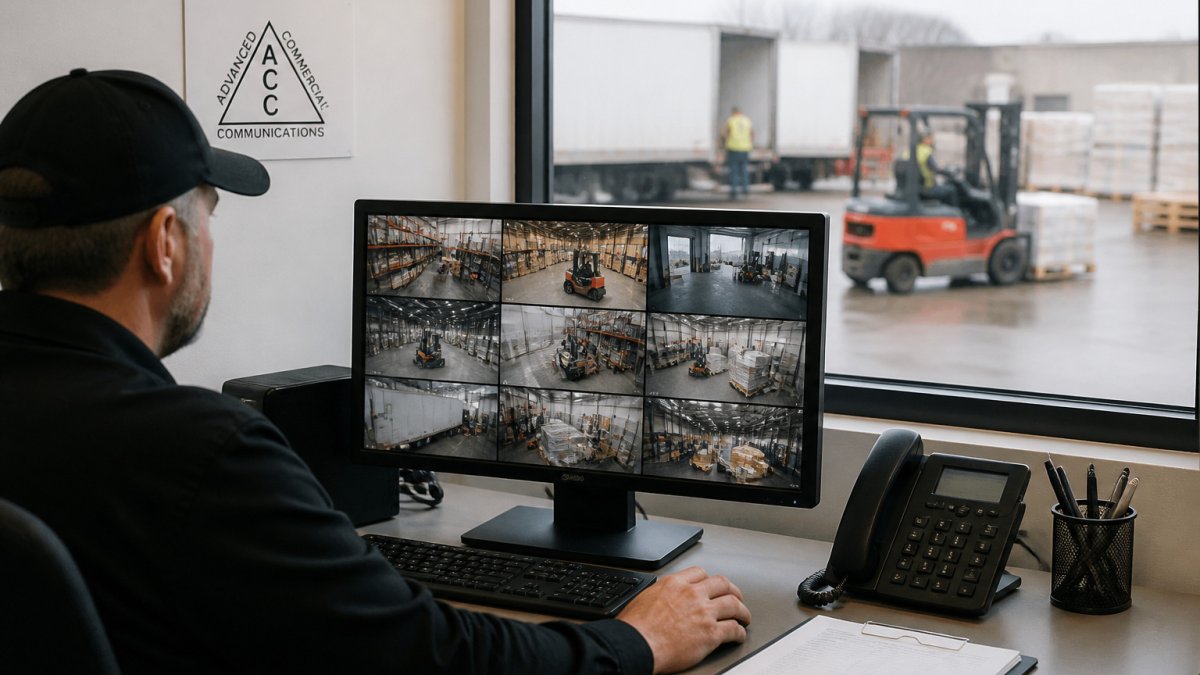
Remote management is another practical feature. Managers who can review footage from a phone, search by time or event, and export clips for an incident report save significant time.
Camera compatibility deserves attention as well. A cloud platform that works only with its own hardware can limit future choices.
Here is a quick checklist to use during evaluation:
- Low-light and glare performance in your actual aisles and docks
- Retention options that match your policy and any record-keeping requirements
- Upload bandwidth needs for your total camera count
Coverage Planning and Camera Placement in Large Facilities
Many camera projects underperform because coverage was planned around equipment rather than risk. In a large warehouse, blind spots tend to appear behind tall racking, at the ends of long aisles, and in corners where pallets are staged. Map the zones where incidents, inventory loss, or safety concerns are most likely, then design coverage around those zones.
The zones that matter most in a warehouse
Most warehouse operators find that a small number of zones account for most of the value a camera system delivers. A practical starting point is to plan coverage in this order:
- Loading docks and dock doors. Disputes over damaged freight, short shipments, and trailer seals are common. Cameras aimed at each dock position, plus one wide shot of the dock apron, support fast incident review.
- Receiving and shipping staging areas. These are high-traffic zones where inventory changes hands. Coverage here supports chain-of-custody questions.
- Main employee and visitor entrances. Entrance coverage supports access control integration and after-hours activity review.
Why aisle coverage is harder than it looks
Racking creates sightline problems a floor plan will not show. A camera mounted above an aisle may see only the tops of pallets, while one at eye level may be blocked by forklifts or staged freight.
Mounting height, lens choice, and angle all affect what a camera actually captures. Walking the facility during different shifts reveals lighting and traffic patterns a drawing cannot.
Resolution and coverage tradeoffs
Covering every aisle with high-resolution cameras is usually unnecessary and expensive. A more effective approach is to match resolution to purpose:
- Identification cameras at entrances, docks, and high-value storage, where faces, badges, or labels must be readable.
- Overview cameras for aisles and open floor, where the goal is to see activity and movement rather than identify individuals.
- Deterrence and situational awareness cameras at perimeter and low-risk areas, where wide coverage matters more than detail.
This tiered approach often lets a few well-placed units replace many lower-value ones, and it keeps storage and bandwidth requirements manageable.
A hypothetical layout example
Consider a single-building warehouse with 12 dock doors, 30 rack runs, one main employee entrance, and a fenced yard. A tiered plan might include:
- One identification camera per dock door, plus two wide-angle overview cameras covering the dock apron
- One identification camera at the main entrance, integrated with access control
- Overview cameras at each cross-aisle intersection rather than inside every rack run
This is an illustrative example, not a recommendation for any specific facility. The right mix depends on your risk profile, building layout, and retention policy.
Where professional planning fits
Coverage planning also shapes cost. A site walk with an experienced integrator can match camera placement to operational needs before equipment is ordered, and it can reveal network or cabling constraints that would otherwise surface during installation. Advanced Commercial Communications offers free site walks and consultations for businesses evaluating camera coverage, and we can review your facility layout alongside your network readiness.
Do not finalize camera counts from a floor plan alone. A walkthrough during at least two shifts, including a night shift if you run one, will catch glare, obstruction, and traffic patterns that drawings miss.
Planning Multi-Site Management and Network Requirements
Organizations with several locations should decide early whether they want a single management view or separate systems per site.
Network readiness is critical. Cameras depend on the building’s network infrastructure, including cabling, switches, and wireless links where used. Aging or inadequate cabling can cause intermittent problems that look like camera failures. Advanced Commercial Communications provides network infrastructure services that can support this planning step.
Evaluating Cloud Surveillance Providers and Support Models
Choosing a provider involves more than comparing feature lists. Ask how the provider handles system updates, what support hours are available, and who responds when a camera goes offline at night.
Support models vary widely. For many businesses, managed IT support makes ongoing operation easier because one team can oversee cameras, network, and related systems together.
Ask for a written description of service levels. Clear expectations about response times and responsibilities help avoid surprises after installation.
Your Next Step: Reviewing Your Warehouse Camera Coverage
If your current camera system is aging, does not cover key areas, or cannot give you the remote access you need, a coverage review is a reasonable next step.
Advanced Commercial Communications offers free site walks and consultations for businesses evaluating camera systems or planning upgrades. Discuss your coverage needs with our team through our commercial security camera installation page to see how a planned upgrade could fit your operation.
Frequently Asked Questions
What is the best cloud-based video surveillance system for a warehouse?
No single system fits every warehouse. The right choice depends on facility size, number of sites, how long footage must be kept, and how the cameras connect to your network. Strong options typically offer high-resolution cameras, flexible retention settings, remote access from a web browser or mobile app, and clear pricing for both hardware and ongoing storage. Compare several providers against your own coverage and retention needs before deciding.
How much cloud storage do warehouse security cameras need?
Storage needs depend on camera count, video resolution, frame rate, and how many days of footage you keep. Higher resolution and continuous recording use substantially more storage than motion-triggered recording. Estimate your requirement by multiplying your camera count by the average bitrate of each camera and the number of retention days, then check how your provider prices that capacity. Ask for a written estimate based on your actual camera settings.
Can cloud video surveillance support multiple warehouse locations?
Many cloud platforms allow one administrator to view and manage cameras across several facilities from a single dashboard. This can simplify oversight for organizations with multiple warehouses or distribution sites. Confirm that the platform supports centralized user permissions, consistent retention policies across sites, and reliable connectivity at each location, since remote viewing depends on the internet connection at each facility.
What network requirements should a warehouse consider for cloud cameras?
Cloud cameras send video over your network, so bandwidth and reliability matter. Each camera’s upload needs depend on resolution and frame rate, and multiple cameras can add up quickly. Review your internet connection’s upload speed, the capacity of your network switches, and whether a backup connection is available. A professional site assessment can help determine whether your current network can support the system you are considering.
