Last Updated: November 4, 2026
Quick Summary
The cost of upgrading business network infrastructure depends mainly on building layout, the condition of existing cabling, equipment choices and how the work is scheduled. Because each building starts from a different place, the figures describe how a budget is structured rather than a fixed price.
- Cabling and fiber, active equipment, labor and testing, and project management are the four main budget areas.
- Old cabling or a closet without adequate power and cooling can add scope no one budgeted for at the start.
- A line-item budget with a contingency reserve lets you compare proposals on equal footing.
- Total cost of ownership adds support, licensing, energy, refresh reserves and downtime across three to five years.
- Phasing the work lets you address the most critical areas first and spread spending over time.
Table of Contents
- Why Network Upgrade Costs Are Hard to Pin Down in 2026
- Signs Your Business Network Needs an Upgrade
- Business Network Upgrade Cost Components
- Building a Network Infrastructure Upgrade Budget
- Total Cost of Ownership Over Three to Five Years
- Planning a Network Upgrade Project Timeline and Phasing
- Scheduling Your Business Network Modernization Next Steps
- Frequently Asked Questions
Upgrading a business network is one of those projects that looks simple from the outside, but the cost of upgrading business network infrastructure rises quickly once the walls are open. If your office has started dropping connections mid-meeting or your staff keeps asking why the printer disappears, the cost question comes quickly. Advanced Commercial Communications works with Oregon businesses, schools and facilities on these projects, and a clear picture of what drives the number is one of the most useful things a provider can offer.
Why Network Upgrade Costs Are Hard to Pin Down in 2026
Network costs vary widely because no two buildings start from the same place. A two-floor office with recent cabling and a single closet is a very different project from a decades-old facility with cable runs buried in plaster. Equipment pricing also shifts with supply conditions, and labor rates depend on the local market and the project’s schedule.
A common surprise is that the biggest cost is often not hardware but what sits behind it. Old cabling that cannot support newer equipment, or a closet without adequate power and cooling, can add scope that no one budgeted for at the start.
Signs Your Business Network Needs an Upgrade
Some symptoms point clearly toward an aging network.
Speed drops that appear only at certain hours can come from several causes, including congestion, faulty cabling or an undersized internet connection.
Many businesses also find that growth exposes weak spots. Adding a new room, a new tenant or a new set of cameras can push an older closet past what it was designed to handle.
Business Network Upgrade Cost Components
A network upgrade budget usually breaks into four areas: cabling, active equipment, labor and testing, and project management. Understanding each one helps you compare proposals on the same footing.
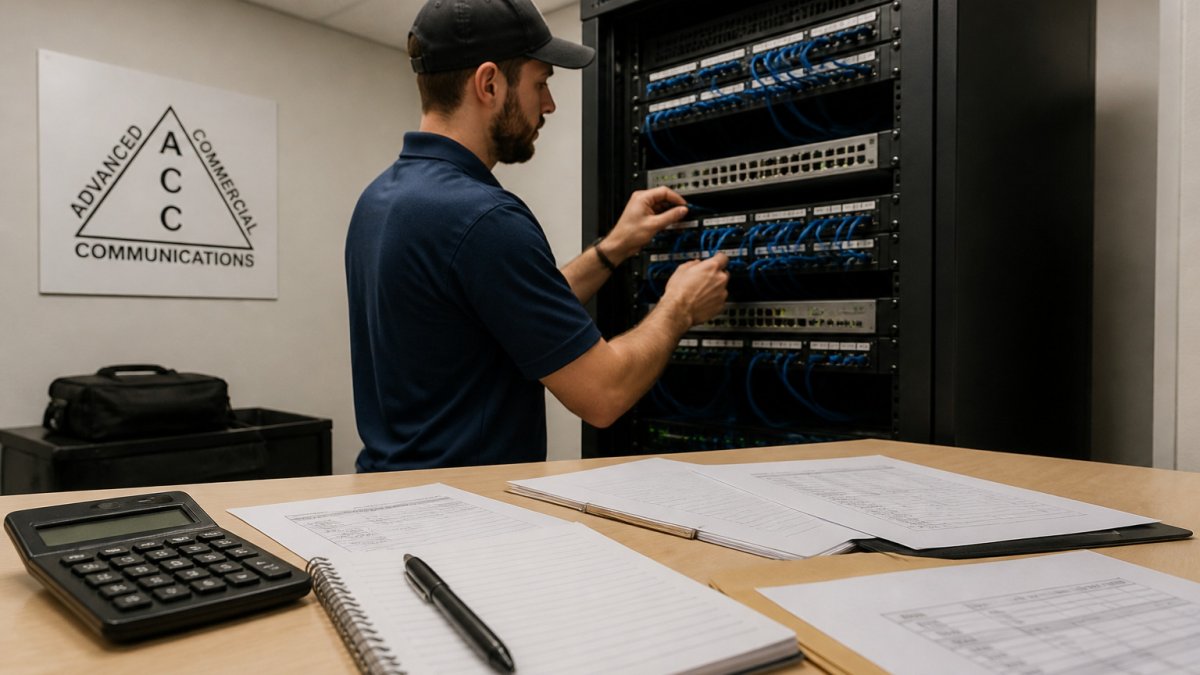
- Cabling and fiber: The physical pathways and cable runs that carry data throughout the building.
- Active equipment: Switches, routers, wireless access points and servers that direct and power network traffic.
- Labor and testing: Installation time, termination, certification testing and documentation.
Each component scales differently with building size and complexity, which is why two quotes for the same square footage can look quite different.
Structured cabling and fiber
Structured cabling is the organized copper and fiber infrastructure that connects workstations, wireless access points, cameras and phones back to the network closet. Fiber becomes the practical choice when connecting separate buildings or when a backbone must carry large volumes of traffic. The cost depends mainly on the number of drops, the distance of each run and whether existing pathways can be reused.
Switches, routers, access points and servers
Active equipment is typically priced by port count, throughput and features such as power over Ethernet, which delivers power to devices like wireless access points and cameras over the data cable. Selecting equipment is a matching exercise: a switch sized for today’s devices may not leave room for the next round of additions. Servers and firewalls add further cost when the business needs on-premises storage or stronger security controls.
Labor, testing and project management
Labor reflects the time required to run cable, terminate connections, mount equipment and document the result. Testing confirms that each drop meets performance standards before the work is accepted, and documentation gives you a record for future maintenance. Project management coordinates the work with other trades, protects occupied spaces and manages the schedule.
The table below summarizes the four cost areas a network upgrade budget usually covers and what each one depends on.
| Cost area | What it covers | What drives the cost |
|---|---|---|
| Cabling and fiber | Cable runs carrying data throughout the building | Number of drops, run distance, reuse of existing pathways |
| Active equipment | Switches, routers, access points and servers | Port count, throughput, power over Ethernet features |
| Labor and testing | Installation, termination, certification and documentation | Time required to run and verify each connection |
| Project management | Scheduling, trade coordination and closeout | Coordination with other trades and occupied spaces |
Building a Network Infrastructure Upgrade Budget
A practical budget starts with an assessment, not a guess. Gather a floor plan, a count of current and planned devices, your internet service details and any known problem areas.
The most common failure in network upgrade budgeting is treating the project as a single lump sum. A budget that separates categories lets you fund what matters now, defer what can wait and compare proposals on equal footing.
A line-item budget worksheet for 2026
Use these categories as the skeleton of your project budget. Each line should carry a quantity, a unit basis and an assumption, not just a total.
- Assessment and design: Site walk, cabling audit, wireless survey, floor plan review and design documentation. Often a standalone phase before any hardware is ordered.
- Structured cabling and fiber: Drops by type (copper data, fiber backbone, camera, access control, paging), pathway and conduit work, patch panels, cable management and labeling.
- Active equipment: Switches, routers, firewalls, wireless access points, power over Ethernet (PoE) budget, uninterruptible power supply (UPS) and any on-premises servers.
Watch out: a proposal that lists only equipment and installation, with no line for testing, documentation, migration or contingency, is usually incomplete rather than cheaper. The missing scope tends to surface as a change order later.
How the budget changes by business size
Broad cost figures become useful only when tied to assumptions about users, sites, devices and the state of existing infrastructure. The three hypothetical profiles below show how the same categories scale differently. They are illustrative, not quotes.
- Small business, single site, roughly 25 to 50 users. Typically one network closet, a handful of switches, several wireless access points and a modest camera count. Cabling is often the largest line because drop count drives labor. Contingency tends to be lower because the building footprint is smaller and easier to survey.
- Midsize organization, one to three sites, roughly 100 to 500 users. Multiple closets, a fiber backbone between buildings or floors, redundant switching and a larger wireless footprint. Project management and migration grow as a share of the budget because coordination and cutover windows matter more. Licensing and support become a visible recurring line.
- Enterprise or multi-site environment, 500+ users. Redundancy, segmentation, structured documentation and phased rollouts across many locations. Design and project management can rival equipment as a share of cost, and refresh reserves and support contracts dominate the ongoing picture.
A 40-person, two-floor office with a dozen wireless access points and cameras at each entrance is a useful hypothetical to work through. The budget would separate cabling for those devices from closet equipment, add labor and testing per floor, include a migration line for cutover outside business hours and reserve contingency for surprises inside the walls.
Comparing quotes consistently
Two proposals for the same square footage can differ for legitimate reasons and for avoidable ones. Ask each provider to show the categories above separately, state their assumptions about drop counts and device quantities, and identify what is excluded. Confirm whether testing, documentation, patch cords, mounting hardware, after-hours labor and disposal of old equipment are included. A vendor-neutral bid built from the same scope document is the fairest comparison, and it protects you when the lowest number turns out to be the narrowest scope.
Our network infrastructure services include assessment, design and installation.
Total Cost of Ownership Over Three to Five Years
The upfront quote is only part of the picture, and most cost discussions stop there. Total cost of ownership (TCO) adds everything you will spend to keep the network running after installation: support, subscriptions, energy, refresh cycles and the cost of downtime. A cheaper initial build that requires frequent repairs can cost more over five years than a better-planned installation.
The recurring lines that dominate years two through five
- Support and maintenance: Manufacturer support entitlements and any managed service agreement. These are predictable when contracted and unpredictable when handled reactively.
- Licensing and subscriptions: Network management, cloud controllers, security and monitoring tools. Subscription models shift cost from capital to operating budget, which matters for how you plan and approve spending.
- Energy and cooling: PoE loads, closet cooling and UPS replacement. Small per-device, but it compounds across a building.
How the deployment model changes the mix
Design choices move cost between capital and operating budgets without necessarily changing the total. A side-by-side view helps before you commit.
- On-premises: Higher upfront capital for controllers and servers, lower recurring subscription cost, and more internal effort to maintain and refresh.
- Cloud-managed: Lower upfront hardware cost and simpler remote management across sites, offset by ongoing subscription fees that continue for the life of the system.
- Hybrid: Keeps sensitive or latency-sensitive functions on site while using cloud tools for management and monitoring. The split determines how much of the cost is capital versus recurring.
None of these is universally cheaper. The right mix depends on your staffing, site count, tolerance for capital spending and how much you value predictable monthly cost over the lowest five-year total.
Making the five-year comparison
Lay the upfront quote and the recurring lines side by side across a three- to five-year horizon, and include a downtime estimate and a refresh reserve. That comparison usually reframes the decision from which bid is lowest to which design delivers the reliability and support model your operation actually needs. Managed IT services are one way to keep ongoing support predictable, and structured cabling planning can account for the refresh cycle of the physical layer.
Planning a Network Upgrade Project Timeline and Phasing
Most upgrades do not have to happen all at once. Phasing lets you address the most critical areas first, such as the closet and main workspaces, and extend the work in later stages as budget allows.
A realistic timeline accounts for assessment, approval, equipment lead times, installation and testing. Lead times for certain equipment can stretch longer than expected, so ordering early keeps the schedule on track.
Scheduling Your Business Network Modernization Next Steps
The most useful next step is an assessment that produces a scoped, itemized plan you can evaluate. Schedule a free site walk with our team to review your current infrastructure, identify the issues driving your concerns and outline options at different budget levels. You can start that conversation through our contact us page, and if you are weighing the equipment side, our phone systems overview shows how voice services fit into a broader network refresh.
Frequently Asked Questions
What factors affect the cost of upgrading business network infrastructure in 2026?
The main drivers are the size and layout of the facility, the condition of existing cabling, the number of network drops and access points, the choice between copper and fiber, the scale of equipment such as switches and routers, labor rates, and whether work can happen during business hours. Supply availability and project scheduling also affect pricing. Because each site differs, pricing depends on a site walk and a written scope rather than a single published figure. Contact ACC for a quote based on your facility.
What is typically included in a business network upgrade?
A typical upgrade covers structured cabling for data and voice drops, fiber backbone connections between closets or buildings, network switches, routers or firewalls, wireless access points, equipment racks and power, labeling and testing, and documentation. Some projects also include server or storage changes and migration support. The exact scope depends on your current environment and goals, so a site assessment is the most reliable way to define what your project should include.
How can a business estimate the budget for a network infrastructure upgrade?
Start by listing the areas you need to cover, the number of connection points, and the performance and security requirements for each. Then separate one-time costs such as cabling, equipment and installation from recurring costs such as support, licensing and internet service. Ask for an itemized proposal so you can compare scope, not just totals. Reserve a contingency for hidden conditions in older buildings. A professional site walk helps turn these estimates into a more accurate plan.
How long does a business network upgrade project take?
Timelines vary with facility size, the amount of cabling and equipment involved, and how much work must be done outside business hours. Smaller projects in a single space may be completed in a short period, while multi-floor or multi-site projects are usually phased over weeks or months. Planning, procurement and testing add time before and after installation. Ask for a schedule that identifies milestones and disruption windows.
When should a business upgrade its network infrastructure?
Consider an evaluation when connectivity problems recur, when expansion requires more drops or access points than the current setup supports, when equipment or cabling no longer meets your needs, or when new systems such as security cameras, VoIP phones or cloud applications strain the network. Planning ahead lets you avoid emergency replacements and spread costs across budget cycles.
Should a business upgrade its Wi-Fi, cabling, or network equipment first?
The right starting point depends on the problem. If wired connections are unreliable, cabling and switching often come first. If coverage or capacity is the issue, wireless access points may be the priority. Many businesses address the physical layer first because cabling typically outlasts several generations of equipment. A site assessment can compare these options against your business needs and budget.
How can a business reduce disruption during a network upgrade?
Phasing the work by floor, department or building keeps most of the operation running. Scheduling cutovers outside peak hours, pre-labeling equipment, testing new connections before switching over, and keeping a rollback plan all reduce risk. Clear communication with staff about outage windows also helps. Discuss disruption tolerance early so the project plan reflects how your business actually operates.
What is the cheapest way to improve a business network?
The lowest-cost improvement is usually a targeted fix rather than a full rebuild, such as correcting a faulty cable run, replacing a failing switch, or adding an access point in a dead zone. A professional assessment can identify the highest-impact changes so spending goes where it matters most. Treat short-term fixes as part of a longer plan, since repeated patchwork can cost more over time.
