Table of Contents
- Managed IT Services for Oregon Nonprofits: What Actually Matters
- What Oregon Nonprofits Get From Managed IT Services
- Cybersecurity for Nonprofit Organizations: Protecting Donor and Client Data
- Managed IT Services Pricing Models: How Nonprofits Pay
- IT Support for Nonprofits: Help Desk, Cloud, and Communication Systems
- IT Budgeting and Hardware Lifecycle Management for Small Nonprofits
- Oregon-Specific Compliance Standards and Grant Management Software
- Frequently Asked Questions
Last Updated: October 3, 2026
Managed IT Services for Oregon Nonprofits: What Actually Matters
Nonprofit teams rarely have a full IT department, which is why managed IT services for Oregon nonprofits have become a practical necessity.
Managed IT services is the practice of outsourcing monitoring, maintenance, and support of an organization’s technology to an outside provider for a predictable monthly fee, typically help desk support, network security, cloud management, and vendor coordination.
Below: what you get, what you pay for, how to budget, and where compliance fits in.
The core question is not “can we afford managed IT?” It is “can we afford the downtime, donor data loss, and grant non-compliance that come from skipping it?”
What Oregon Nonprofits Get From Managed IT Services
The biggest shift is moving from reactive to proactive support: instead of calling someone when a printer dies, a provider watches your systems before problems surface.
A typical managed services provider covers several core areas:
- Cybersecurity and data protection for donor records and client files
- Cloud solutions and infrastructure so staff can work from anywhere
- Help desk and tech support for day-to-day issues
Nonprofits rarely need every service at once, a single-location food bank differs from a multi-site social services agency. A good provider scopes to your operation, not a generic package.
Cybersecurity for Nonprofit Organizations: Protecting Donor and Client Data
Cybersecurity for nonprofit organizations is the practice of protecting donor payment data, client records, and internal systems from theft, ransomware, and accidental exposure.
The stakes go beyond embarrassment: donor trust is the currency of fundraising, and a breach can undo years of relationship building.
A practical security baseline includes:
- Multi-factor authentication on every email and financial account
- Regular patching and system updates across all devices
- Endpoint protection and monitored backups
The last item is the one most organizations skip. A backup that has never been tested is not a backup.
Remote Work Security for Nonprofits
Remote and hybrid work expanded the attack surface for nearly every organization, and nonprofit remote work differs from corporate remote work, it often includes volunteers on personal laptops, case managers in the field, and shared devices at program sites.
The fix is not to ban remote work. It is to secure it with a tiered model that matches access to risk:
- Tier 1, Full-time staff on managed devices. Company-issued laptops with full-disk encryption, a managed VPN or zero-trust access client, endpoint detection and response, and enforced screen lock. This is the group that can reach donor and client systems.
- Tier 2, Field and program staff on managed devices. Same device controls, but access scoped to the case management or scheduling system only. No access to financial systems.
- Tier 3, Volunteers on personal devices. Browser-based access only, no local data storage, session timeouts, and a separate account that cannot reach financial or HR systems. If a volunteer needs to handle client data, they should be on a managed device, not their own.
The highest-value control for remote nonprofit work is conditional access: rules that decide whether a login is allowed based on device, location, and user role.
Volunteer and Seasonal Account Hygiene
Volunteer accounts are the most common source of orphaned access in nonprofit environments, a volunteer who served two years ago may still have an active account with access to client records. The fix is a lifecycle process, not a tool:
- Every account has an owner (a staff member responsible for it)
- Every account has a review date, at minimum annually
- Accounts are disabled the day a volunteer or seasonal staff member leaves, not at the end of the month
A quarterly access review takes under an hour: pull the user list, confirm each account against current staff and volunteer rosters, and disable anything that does not match. Organizations that do this consistently find 10 to 20 percent more active accounts than expected.
How much does cybersecurity cost for a small nonprofit?
Costs vary based on devices, users, and compliance obligations, but the drivers are predictable:
- Number of endpoints, each managed device carries a per-device cost for endpoint protection, monitoring, and patching
- Number of users, each user carries a per-user cost for email security, MFA, and identity management
- Compliance scope, organizations handling HIPAA, PCI, or grant-funded client data need logging and documentation that add cost
Rather than quoting a figure we cannot verify, ask a provider for a scoped assessment. Most will walk your site and identify gaps before you commit. Ask for the cost of the security baseline versus the compliance layer on top of it, two different numbers, and bundling them hides where the money goes.
If you can only do one thing this quarter, enable MFA on your email and financial accounts. It is the highest-return control per dollar for almost every nonprofit, and it is the one most likely to stop a ransomware attempt before it starts.
Managed IT Services Pricing Models: How Nonprofits Pay
Managed IT services pricing models fall into three main categories, and understanding them is the difference between a fair contract and a surprise invoice.
| Pricing Model | How It Works | Best For | Watch Out For |
|---|---|---|---|
| Per-user, per-month | Flat fee for each staff account | Stable headcount | Volunteer and seasonal accounts |
| Per-device | Flat fee for each monitored device | Device-heavy operations | Shared workstations |
| Tiered packages | Bundled service levels | Predictable needs | Services you never use |
| Hourly / break-fix | Pay per issue | Very small teams | Unpredictable costs |
Per-user pricing is most common for nonprofits because it scales cleanly. Tiered packages work when an organization knows exactly what it needs, and break-fix makes sense only for teams so small a monthly contract would cost more than occasional repairs.
The most common mistake is signing a per-device contract without counting shared kiosks, classroom computers, or volunteer laptops. Those devices get added later at full price, and the budget you approved is suddenly wrong.
Because pricing depends on user count, device inventory, and service scope, we do not publish flat rates. We provide a free site walk and a written quote so you can compare apples to apples.
IT Support for Nonprofits: Help Desk, Cloud, and Communication Systems
IT support for nonprofits covers the day-to-day layer: someone to call when email breaks, the network drops, or a new hire needs an account set up.
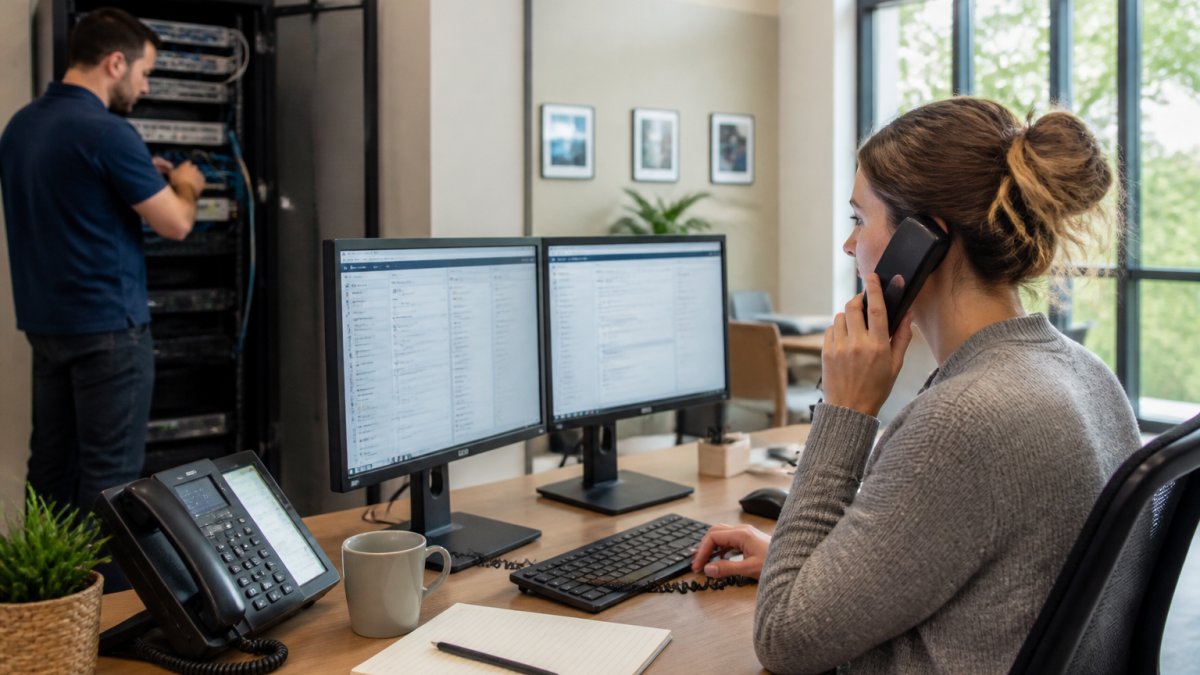
Good remote support resolves most issues without a site visit, critical for satellite offices or rural locations where a technician cannot be on site within the hour.
Cloud solutions and infrastructure keep files accessible and backed up.
VoIP Phone Systems and Cloud Solutions
VoIP phone systems route calls over your internet connection instead of traditional phone lines. For nonprofits, the appeal is one system across multiple locations, voicemail that reaches email, and no separate phone wiring to maintain.
The catch is that VoIP quality depends entirely on your network. If your cabling or Wi-Fi is weak, calls drop. This is why we assess infrastructure before recommending a phone system, not after.
IT Budgeting and Hardware Lifecycle Management for Small Nonprofits
IT budgeting for small nonprofits is where good intentions meet reality. Stable organizations plan hardware replacement on a schedule instead of waiting for failure.
Hardware lifecycle management means tracking every device, its age, and its expected replacement date. Many teams use a five-year cycle for workstations and three-to-five years for network equipment, adjusted for usage.
A workable annual IT budget covers:
- Managed services subscription
- Hardware replacement reserve
- Software and licensing renewals
That last line is not padding. It is what keeps a failed server from becoming an emergency grant request.
Set aside a fixed amount each month for hardware replacement, even if nothing is broken. When a five-year-old machine dies, the money is already there, and you are not scrambling mid-program-year.
Oregon-Specific Compliance Standards and Grant Management Software
Grant management software integration ties your technology to your funding obligations. Most grants require documented data security, audit trails, and controlled access to client records, evidence your systems must produce on demand, not after a monitor asks.
Start with a data map. Before evaluating any grant management platform, list every system that touches grant-funded data: the donor CRM, case management system, accounting package, shared drive, and desktop spreadsheets.
What Grant Auditors Actually Ask For
A Single Audit (required under 2 CFR Part 200, Subpart F when an organization spends $750,000 or more in federal awards in a fiscal year) does not test your software directly. It tests whether you can demonstrate controls. In practice, that means being able to show:
- Access control evidence, who had access to grant-funded systems, when, and what they could do. Role-based access with documented approval is the baseline.
- Audit trails, a log of who changed what record and when. Systems that overwrite without history create audit findings.
- Segregation of duties, the person who enters a transaction should not be the person who approves it. Small nonprofits often cannot fully separate roles, so compensating controls (a second reviewer, a monthly reconciliation) matter.
If your grant management software cannot export an access log or a change history, that is a gap you will have to close with process, not software.
State-Level Obligations That Apply to Many Organizations
Beyond federal grant rules, several state-level requirements shape how nonprofits handle data and reporting. These are the ones most commonly relevant to technology decisions:
- Oregon Consumer Information Protection Act (ORS 646A.600 to 646A.628), sets breach notification and reasonable-safeguard expectations for organizations that hold personal information on Oregon residents. If you store donor or client data, this applies to you regardless of size.
- Oregon Department of Justice charitable solicitation registration, organizations that solicit donations in the state register and file annual reports. The financial data behind those filings lives in your accounting and donor systems, so access controls and backups directly affect your ability to file accurately.
- Oregon Secretary of State nonprofit corporation filings, annual reports and officer records. Not a technology rule, but a reminder that governance data needs the same protection as program data.
For organizations handling health information, HIPAA applies when you are a covered entity or business associate. For organizations handling payment cards, PCI DSS applies to any system that touches cardholder data, including the laptop a development officer uses to process a one-time gift.
Choosing Grant Management Software With Compliance in Mind
The software decision should follow the compliance map, not lead it. Ask vendors directly:
- Can you export a full audit log, and how far back does it go?
- How is access provisioned and deprovisioned when staff or volunteers leave?
- Where is data stored, and what is the backup and recovery process?
That last question matters more than most buyers expect. Grant records often need to be retained for years, and a platform that makes export difficult turns a routine software change into a compliance problem.
For a fuller picture of how data protection obligations apply to your organization, the Federal Trade Commission’s data security guidance is a useful starting point, and the National Institute of Standards and Technology Cybersecurity Framework offers a voluntary structure many nonprofits adopt to organize controls.
Do not assume that because a grant management platform is “compliant” it makes your organization compliant. Compliance is a property of your controls and your documentation, not of the software license.
What ties this together is operational efficiency: when systems are integrated, access is documented, and audit trails are exportable, reporting takes hours instead of days, and staff spend more time on the mission.
Frequently Asked Questions
What are the primary benefits of managed IT services for nonprofits?
Nonprofits get predictable monthly costs instead of surprise repair bills, proactive monitoring that catches network problems before they disrupt programs, and access to cybersecurity expertise most small teams cannot afford to hire in-house. A managed services provider also handles software integration, data protection, and vendor management, freeing staff to focus on mission-driven work rather than troubleshooting printers and Wi-Fi dead zones.
How do managed IT services help with cybersecurity for nonprofit organizations?
A provider typically layers network security, endpoint protection, email filtering, and regular backups into one plan. For nonprofits handling donor records, grant data, or client health information, that means data privacy controls and disaster recovery are maintained continuously rather than checked once a year. Many providers also run periodic IT audits and staff phishing training, which addresses the human side of breaches that firewalls alone cannot stop.
What should nonprofits look for in a local IT service provider?
Look for a provider with nonprofit experience, clear response-time commitments, and a pricing model you can budget around. Ask how they handle hardware procurement and lifecycle replacement, whether they support grant management software integration, and what happens after the initial install if something breaks. A local provider that offers a free site walk can assess your cabling, Wi-Fi, and camera infrastructure before quoting, which prevents surprise costs later.
Are there specific IT grants available for nonprofits?
Yes, several foundations and technology companies offer technology grants that cover hardware, software, and connectivity upgrades for eligible nonprofits. Availability and eligibility rules change yearly, so check current program guidelines rather than relying on older lists. A managed services provider familiar with nonprofit technology can help you document your infrastructure needs for grant applications and align the funded upgrades with your existing systems.